Health Diary on Apple Watch
Useful at the exact moment you remember.
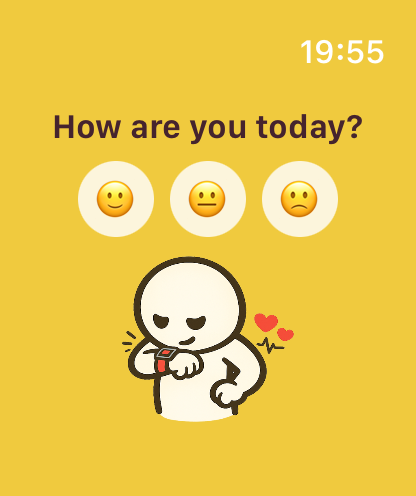
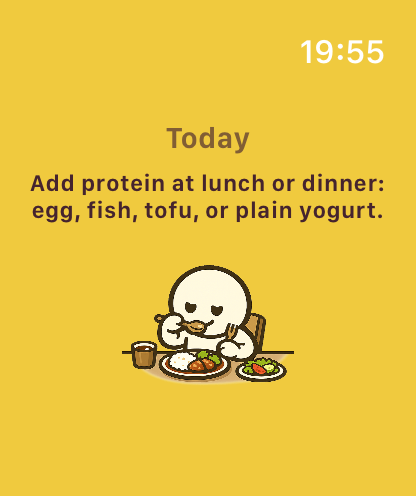
The Watch app keeps today’s context close. Open it for the next suggestion or a quick mood check-in, then return to your day. The detailed diary, timeline, and reports stay on the larger iPhone and iPad interface.
Today suggestion
Read a concise action from the current plan without searching through the phone app.
Mood check-in
Capture a quick emotional signal that can become part of the day’s record.
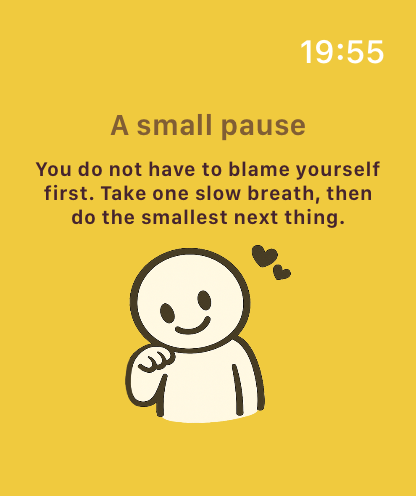
Gentle support
Use a small nudge as a moment to pause, recover, or check what you need.
iPhone sync
Keep watch interactions connected to the fuller Health Diary experience.
Home Screen widgets
Your plan can stay visible without opening the app.
Small and medium widgets rotate through Today suggestions. When a plan is not ready, the widget provides a direct route to record how you feel.
- Glanceable Today suggestions
- Quick mood entry points
- Deep links into the relevant Health Diary screen
- Native WidgetKit presentation that fits the Apple interface
Watch complications
Keep Health Diary one tap from the watch face.
Supported complication families include rectangular, inline, circular, and corner formats, giving Health Diary a glanceable home across multiple watch faces.
The goal is to surface one useful cue and let you get back to the day—not keep you scrolling.
Questions
Apple Watch and widget FAQ
What can I do on Apple Watch?
View Today suggestions, respond to gentle nudges, and log a quick mood check-in that syncs with iPhone.
Does Health Diary have complications?
Yes. It supports several WidgetKit complication families for glanceable access from supported watch faces.
What do the Home Screen widgets show?
They rotate Today suggestions and can provide a quick route to a mood check-in.
Do I manage the full diary on Watch?
No. The Watch experience is intentionally focused; detailed records, timelines, and reports remain in the iPhone and iPad app.
Keep exploring